Introduction: Choosing the Right Climate Sensor
Whether you are designing an environmental monitor, smart thermostat, greenhouse automation node, or weather station, measuring ambient temperature and relative humidity is essential.
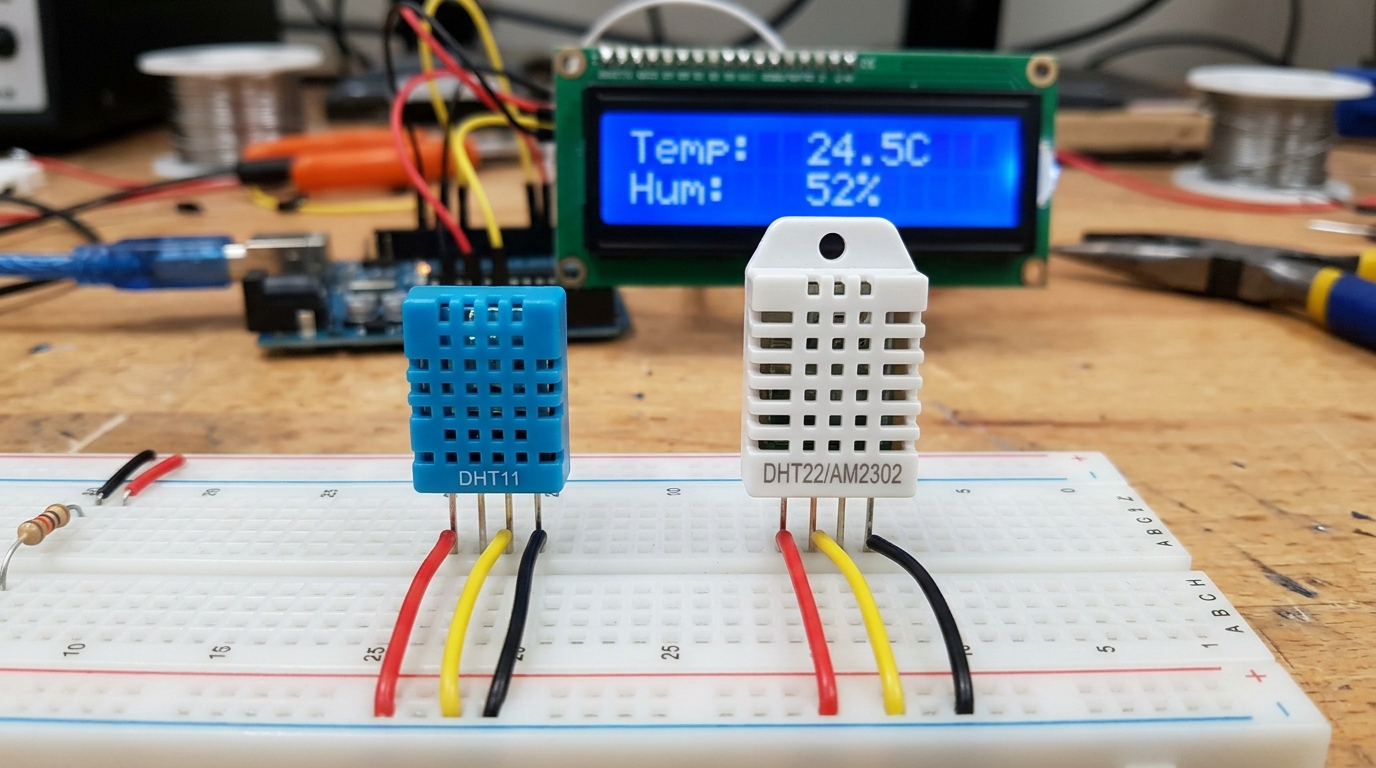
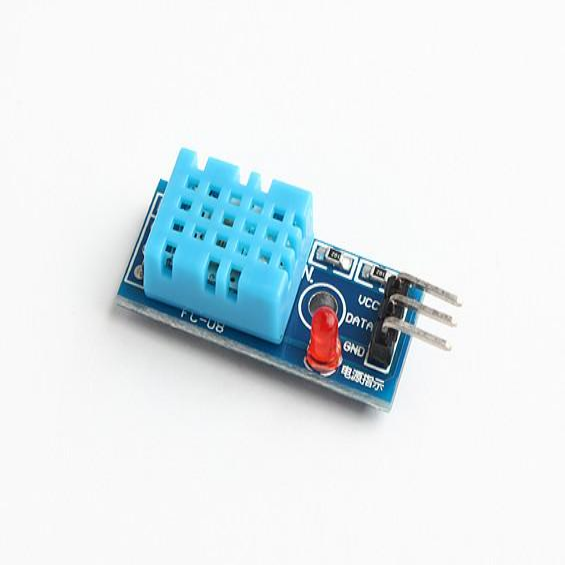
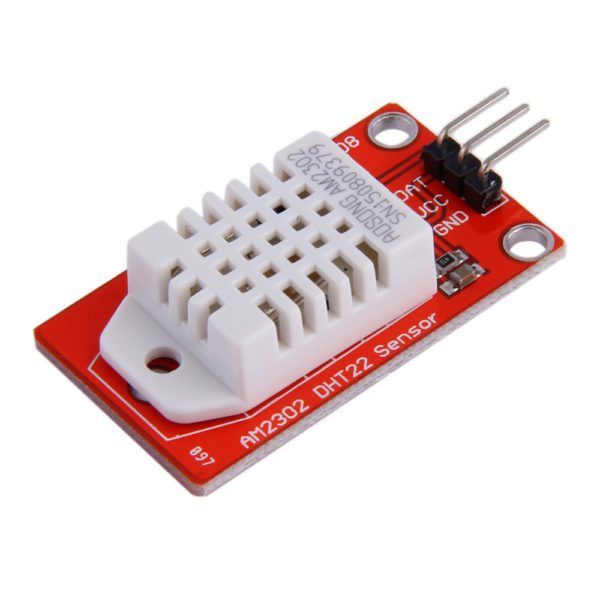
The two undisputed leaders in the maker realm are the DHT11 (blue housing) and the DHT22 / AM2302 (white housing). Here is how they compare technically.
---
Side-by-Side Technical Comparison
| Specification | DHT11 (Blue) | DHT22 / AM2302 (White) | | :--- | :--- | :--- | | Temperature Range | 0°C to 50°C | -40°C to 80°C | | Temperature Accuracy | ±2.0°C | ±0.5°C (4x more accurate) | | Humidity Range | 20% to 80% RH | 0% to 100% RH | | Humidity Accuracy | ±5% RH | ±2% to ±5% RH | | Sampling Rate | 1 Hz (once per second) | 0.5 Hz (once every 2 seconds) | | Operating Voltage | 3.3V to 5.5V | 3.3V to 6.0V | | Price Point | Budget / Entry | Moderate |
---
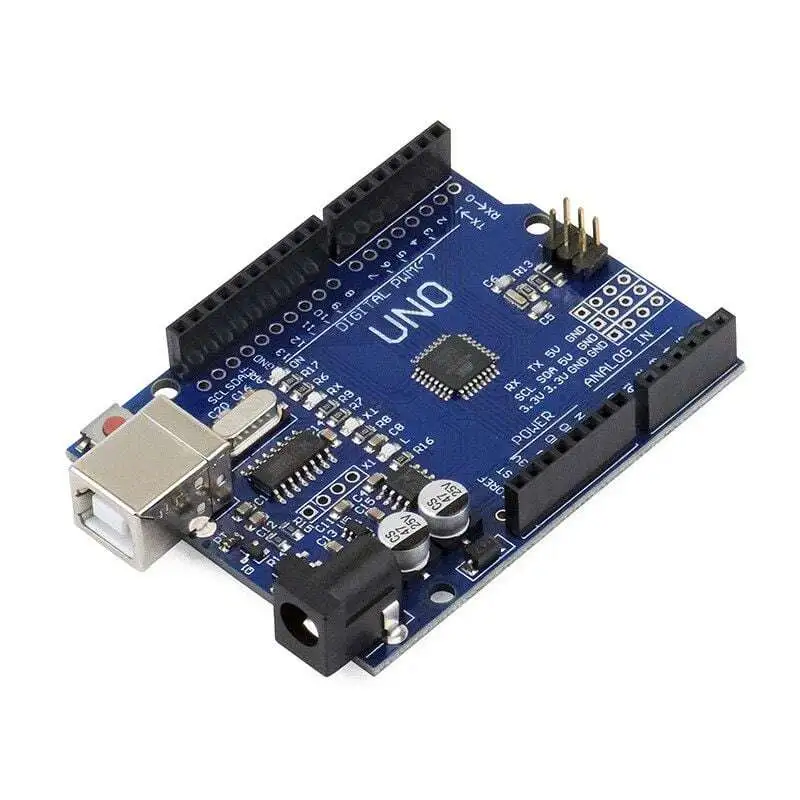
Wiring Diagram to Arduino Uno
- VCC: Connect to 5V (or 3.3V on ESP32).
- DATA: Connect to digital pin D2.
- GND: Connect to GND.
- (If using the bare 4-pin version, insert a 10kΩ pull-up resistor between VCC and DATA).
---
Arduino Code Example
#include "DHT.h"

#define DHTPIN 2

// Uncomment the sensor model you are using:
//#define DHTTYPE DHT11
#define DHTTYPE DHT22

DHT dht(DHTPIN, DHTTYPE);

void setup() {
  Serial.begin(9600);
  Serial.println("DHT Sensor Initializing...");
  dht.begin();
}

void loop() {
  // Allow at least 2 seconds between readings for DHT22 stability
  delay(2000);

  float h = dht.readHumidity();
  float t = dht.readTemperature();

  if (isnan(h) || isnan(t)) {
    Serial.println("Failed to read from DHT sensor!");
    return;
  }

  Serial.print("Humidity: ");
  Serial.print(h);
  Serial.print("%  |  Temperature: ");
  Serial.print(t);
  Serial.println("°C");
}
---
Verdict
- Buy the DHT11 for rapid introductory prototyping where sub-degree accuracy is unnecessary.
- Invest in the DHT22 for HVAC controllers, egg incubators, greenhouse monitors, and engineering graduation projects where verified scientific accuracy is required.