Technical Comparison Intermediate 12 دقيقة

Arduino Mega 2560 vs Arduino Uno: When Do You Really Need the Giant Board?

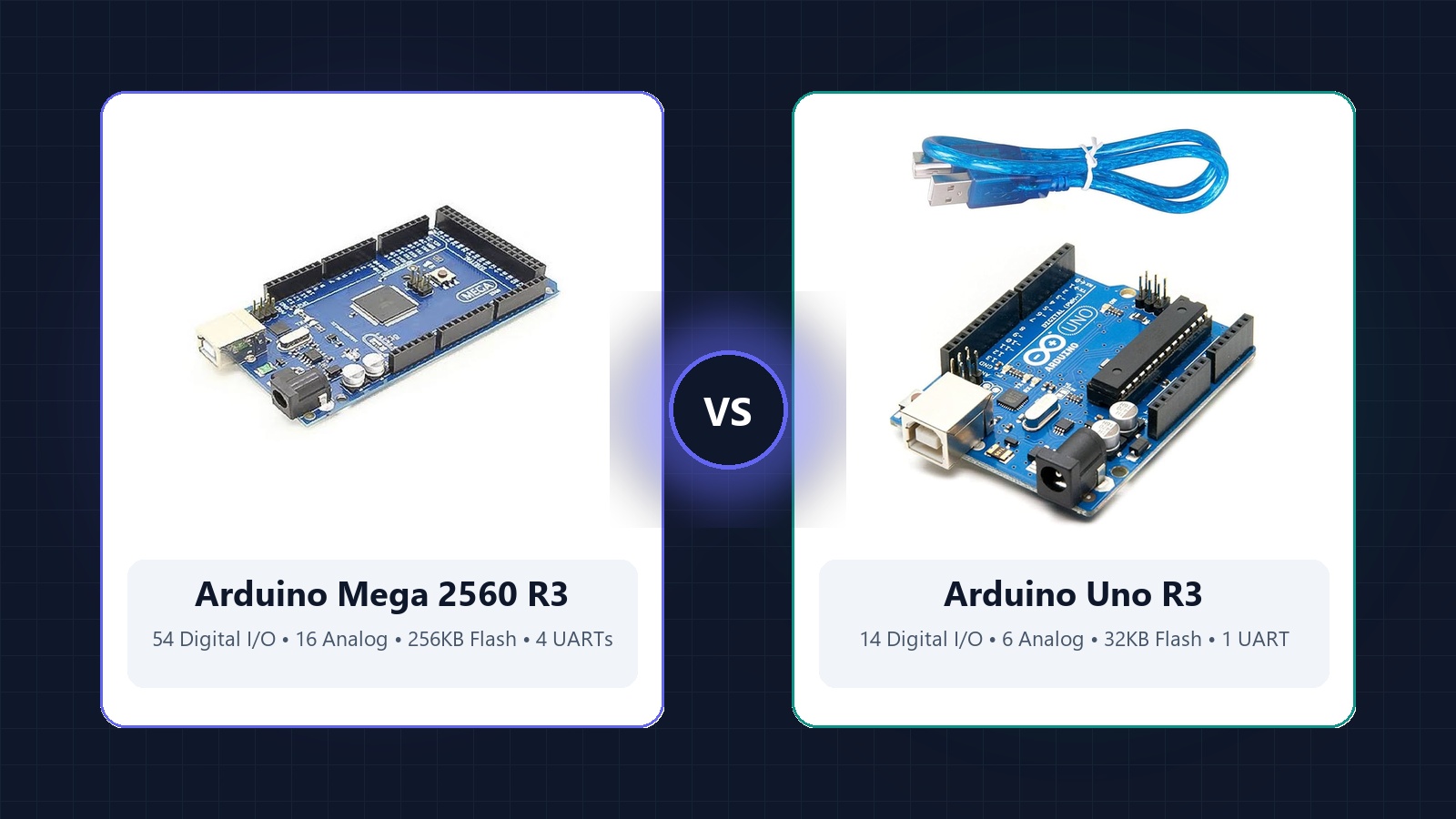
Engineering comparison between Arduino Mega 2560 and Uno R3: pin count (54 GPIOs), 4 hardware serial ports, 256KB flash memory, and 3D printer / multi-axis robotics suitability.

Verified by MOKWN Hardware Engineering Team
Arduino Mega 2560 vs Arduino Uno: When Do You Really Need the Giant Board?
Required Components (BOM)

Project Components Available in Egypt

All components tested and genuine with fast nationwide delivery in Egypt

Add All to Cart
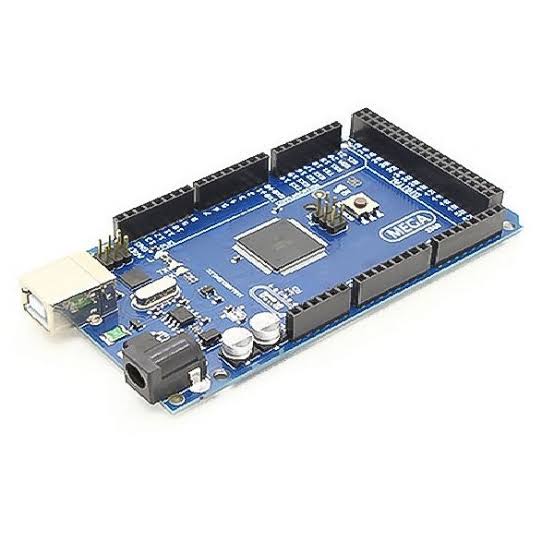
Arduino Mega 2560 R3 – Development Board
Qty: 1
Arduino Mega 2560 R3 – Development Board
اللوحة العملاقة بـ 54 منفذ ديجيتال و 4 مخارج سيريال لمشاريع الروبوتات المعقدة
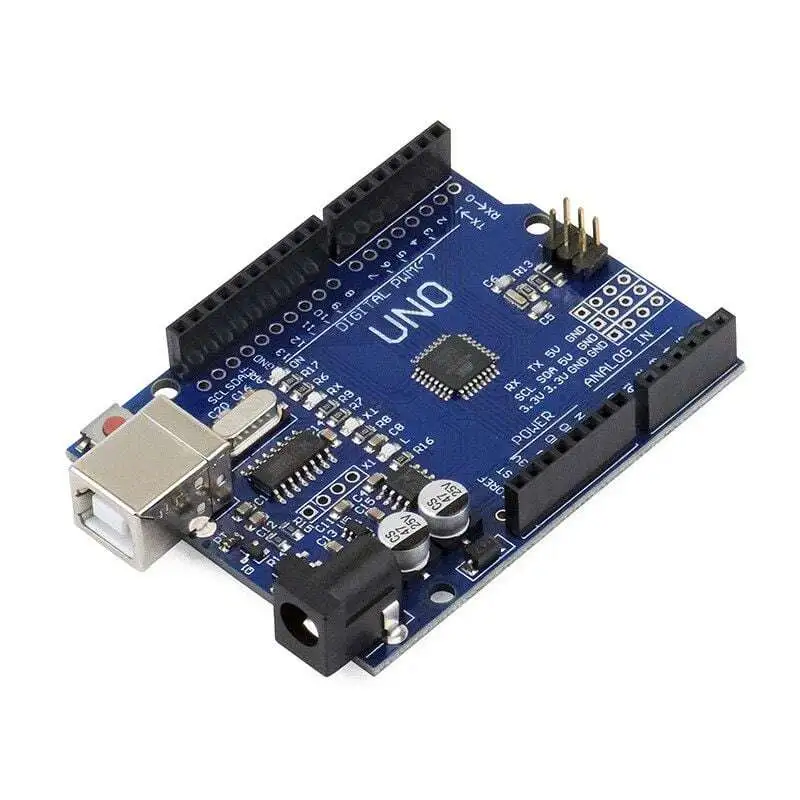
Arduino UNO R3 SMD Development Board with cable
Qty: 1
Arduino UNO R3 SMD Development Board with cable
حمار شغل المعامل للتحكم البسيط وتجارب الدوائر الأساسية
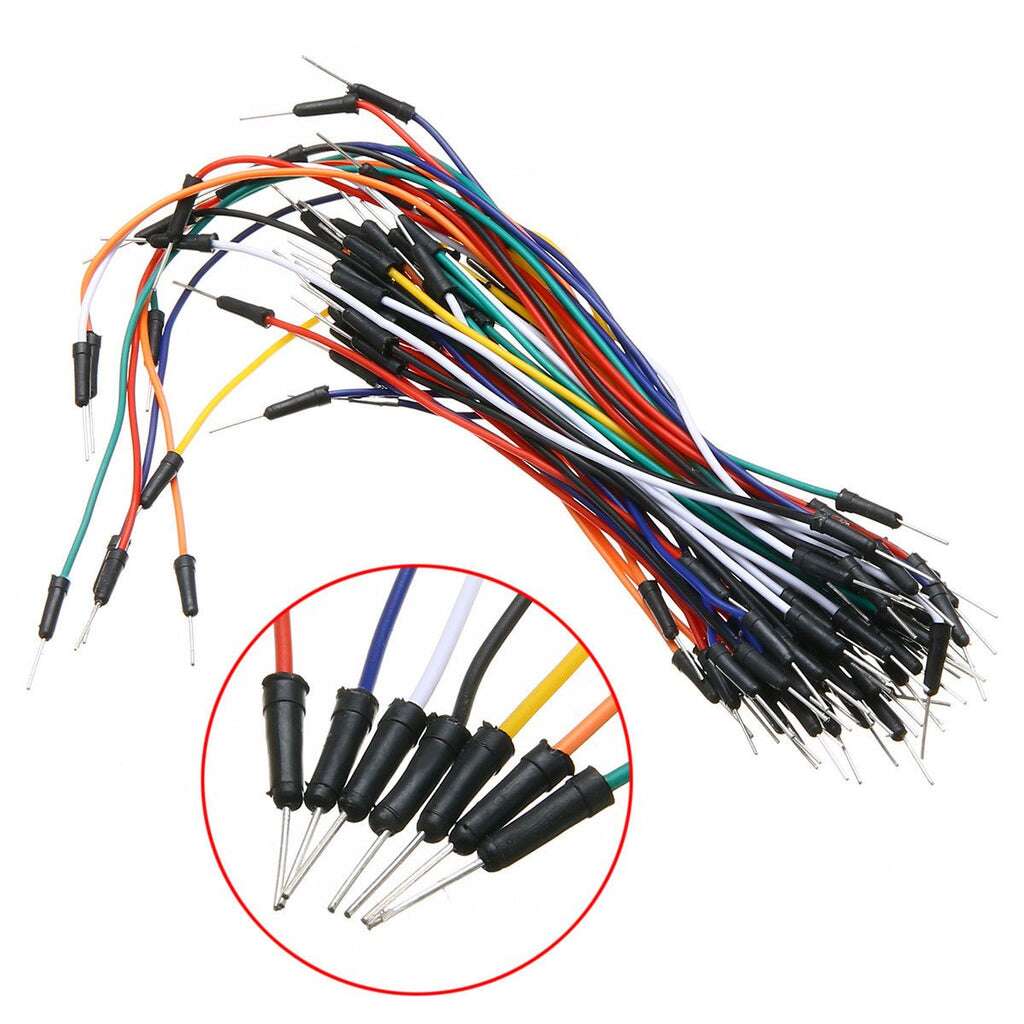
Jumper Wires for BreadBoard & Arduino (65 Pcs)
Qty: 1
Jumper Wires for BreadBoard & Arduino (65 Pcs)
أسلاك توصيل مرنة لربط الإشارات والمنافذ المتعددة

Practical Decision: The Classic Workhorse vs The Heavyweight

In robotics laboratories across Egyptian universities, the classic rule is: "When Uno pins run out, grab the Mega!".

The Arduino Uno R3 handles roughly 80% of baseline embedded projects. However, when designing multi-axis robotic arms, 3D printers, or multi-sensor telemetry vehicles, Uno pins and RAM rapidly deplete.

The Arduino Mega 2560 R3 steps in with massive I/O capacity and multi-UART expansion.

---

Technical Specifications: Mega 2560 vs Uno

| Parameter | Arduino Uno R3 | Arduino Mega 2560 R3 | Impact | | :--- | :--- | :--- | :--- | | MCU | ATmega328P | ATmega2560 | Identical 8-bit architecture | | Clock Frequency | 16 MHz | 16 MHz | Identical calculation throughput | | Digital I/O | 14 Pins | 54 Pins | 4x more connection lines | | PWM Channels | 6 Pins | 15 Pins | Mega drives 15 servos directly | | Analog Inputs | 6 Pins | 16 Pins | Mega samples 16 analog channels | | Hardware UARTs | 1 Port | 4 Dedicated Ports | Multi-device serial communication | | Flash Memory | 32 KB | 256 KB | Accommodates large firmware libraries | | SRAM | 2 KB | 8 KB | 4x larger runtime buffer | | 3D Printer Shield | Incompatible | Native RAMPS 1.4 Support | Industry standard for RepRap 3D printers |

---

Engineering Verdict from MOKWN

  1. Select Arduino Uno for single-purpose controllers, learning embedded C++, and standard lab assignments.
  2. Select Arduino Mega 2560 for CNC machines, 3D printers, complex robotic chassis, and telemetry hubs requiring concurrent GPS, cellular, and Bluetooth interfaces.

Frequently Asked Questions

When is it strictly necessary to upgrade from Uno to Mega 2560?

You must upgrade to Mega when: 1) You exceed 14 digital I/O pins (e.g. multi-axis robotic arms), 2) You are assembling a 3D printer running RAMPS 1.4 shields, or 3) You require multiple simultaneous UART serial connections (GPS, GSM, Bluetooth) without relying on software emulation.

What is the biggest technical superpower of Arduino Mega over Uno?

The Mega features 4 independent hardware UART serial ports. The Uno only features one single UART shared with the USB programming interface, forcing you to use CPU-intensive and prone-to-packet-loss SoftwareSerial emulation.

Is Arduino Mega faster than Arduino Uno?

No. Both run at the exact same 16 MHz clock rate with 8-bit AVR architecture. Mega is not faster in clock execution, but offers 8x more Flash memory (256KB vs 32KB) and 4x more RAM (8KB vs 2KB).

Ask Volt AI Hardware Assistant

Need help debugging your circuit wiring or verifying your code? Chat with Volt directly.

Start Chat with Volt